Help CenterManaging Properties
Managing Properties
Property details, branding, and day-to-day settings.
Everything about how a property looks and behaves lives under Settings for that property.
Property details
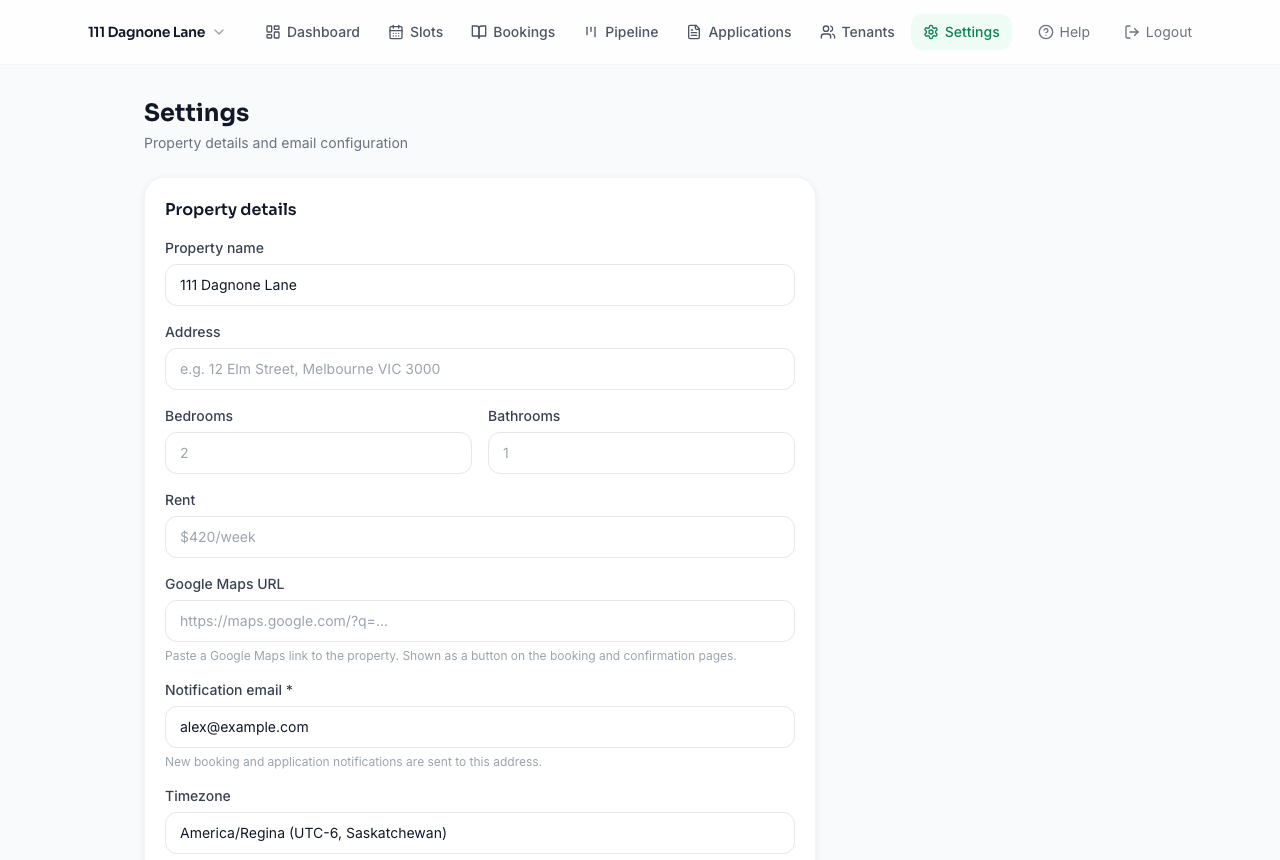
Set the property's name, address, bedroom/bathroom count, and a Google Maps link — these show up on your public booking page so prospective tenants know exactly what they're viewing.
Notifications
Your admin email is where you'll receive alerts for new bookings, applications, payment notifications, and maintenance requests. Update it any time from Settings.
Switching between properties
Use the property switcher (top-left of the dashboard) to jump between properties you manage. Each one keeps its own independent data.