Managing Guests & Applications
Track applicants from viewing through approval.
Once someone books a viewing, you can track them all the way through to becoming a tenant.
Reviewing applications
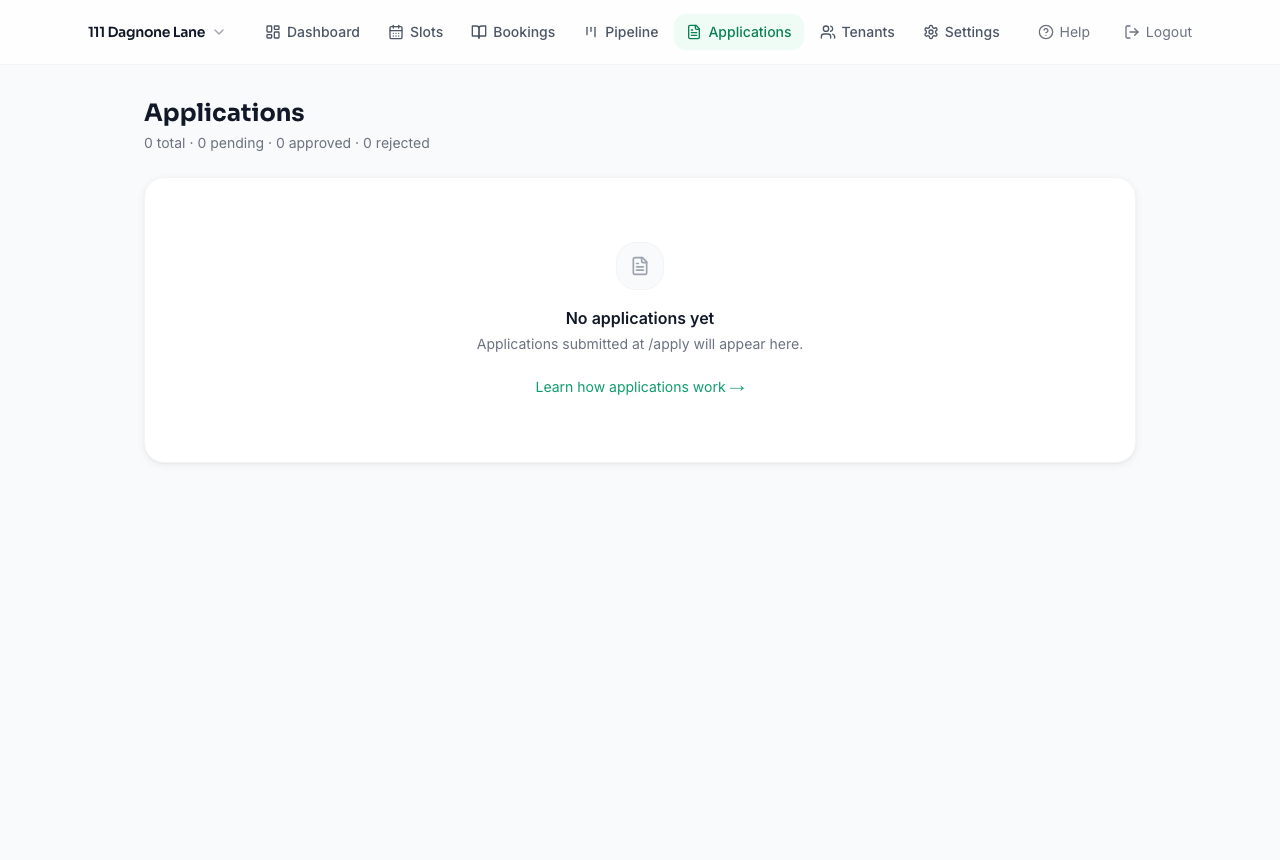
Applicants apply from a link you can send after their viewing (or directly, if you allow it). Every application appears under Applications with their personal, employment, and rental history details, plus any documents they've uploaded.
Approving or rejecting
From an application's detail page, approve or reject it. Approving unlocks the option to send a lease for e-signature — no printing, scanning, or in-person signing required.
The Pipeline view
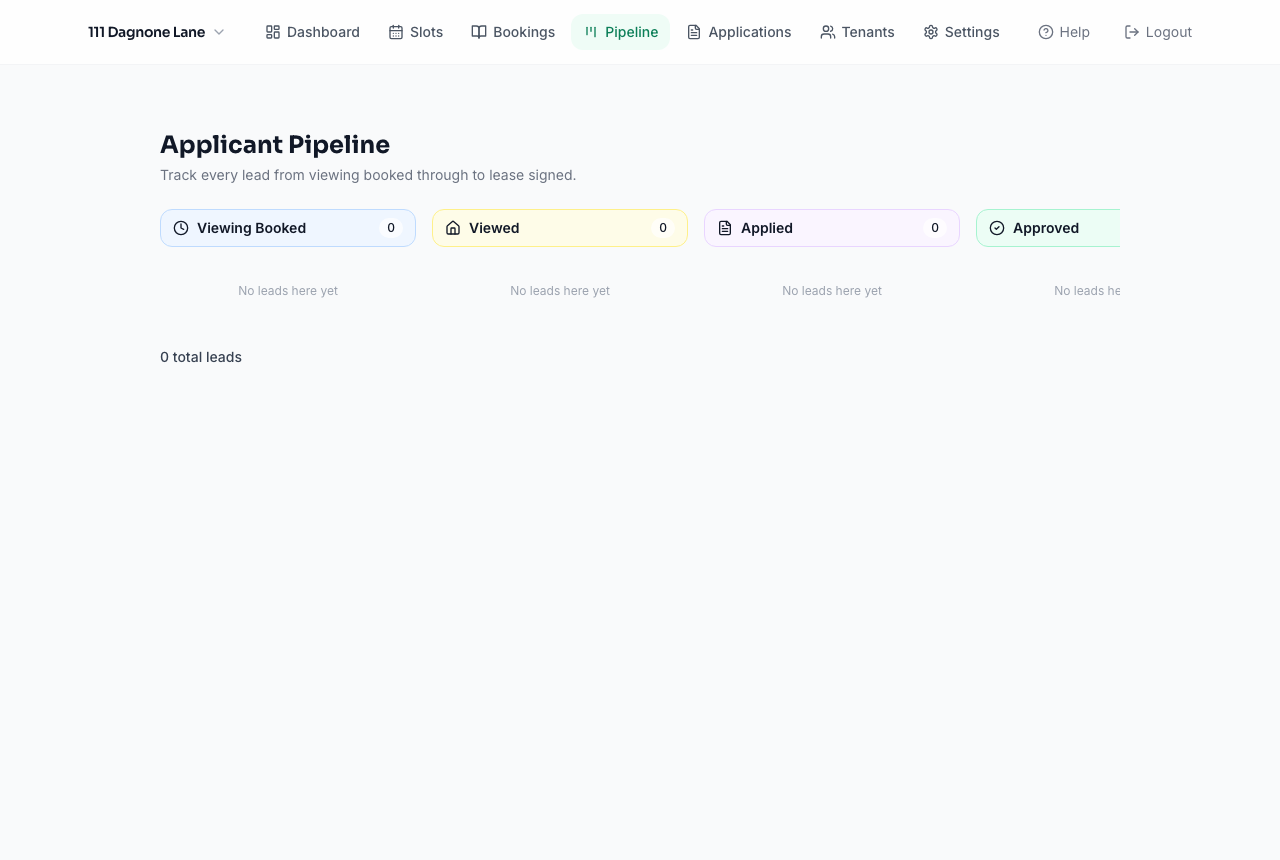
Pipeline gives you a Kanban-style board of every guest from viewing through lease signing, so you can see at a glance who's stuck where and follow up accordingly.
Turning an approved application into a tenant
Once a lease is signed, activate the applicant as a tenant directly from their application — this creates their tenant record and unlocks rent tracking, their tenant portal, and maintenance requests.