Tenants & Leases
Move tenants in, send renewals, and track lease status.
Once an applicant is activated as a tenant, they show up under Tenants with their lease details, rent history, and maintenance requests.
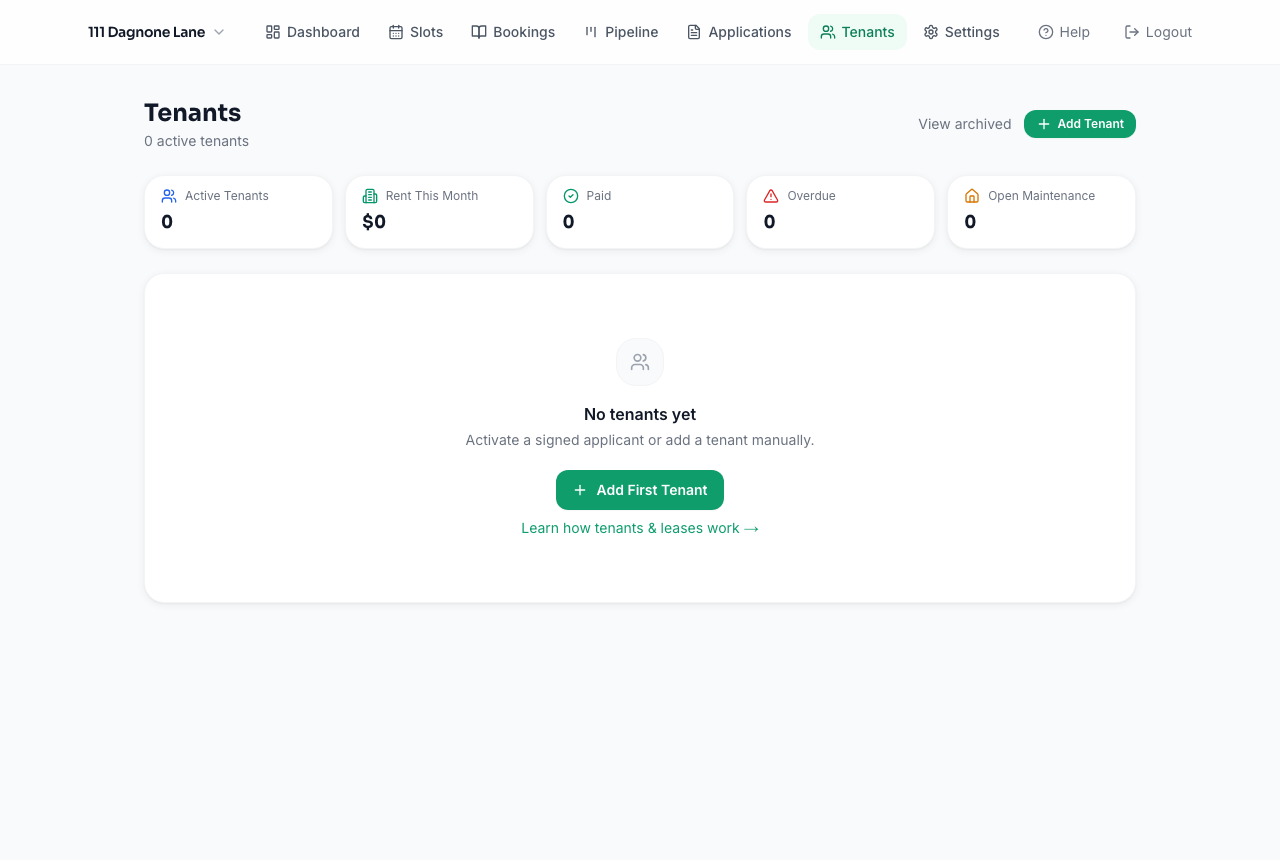
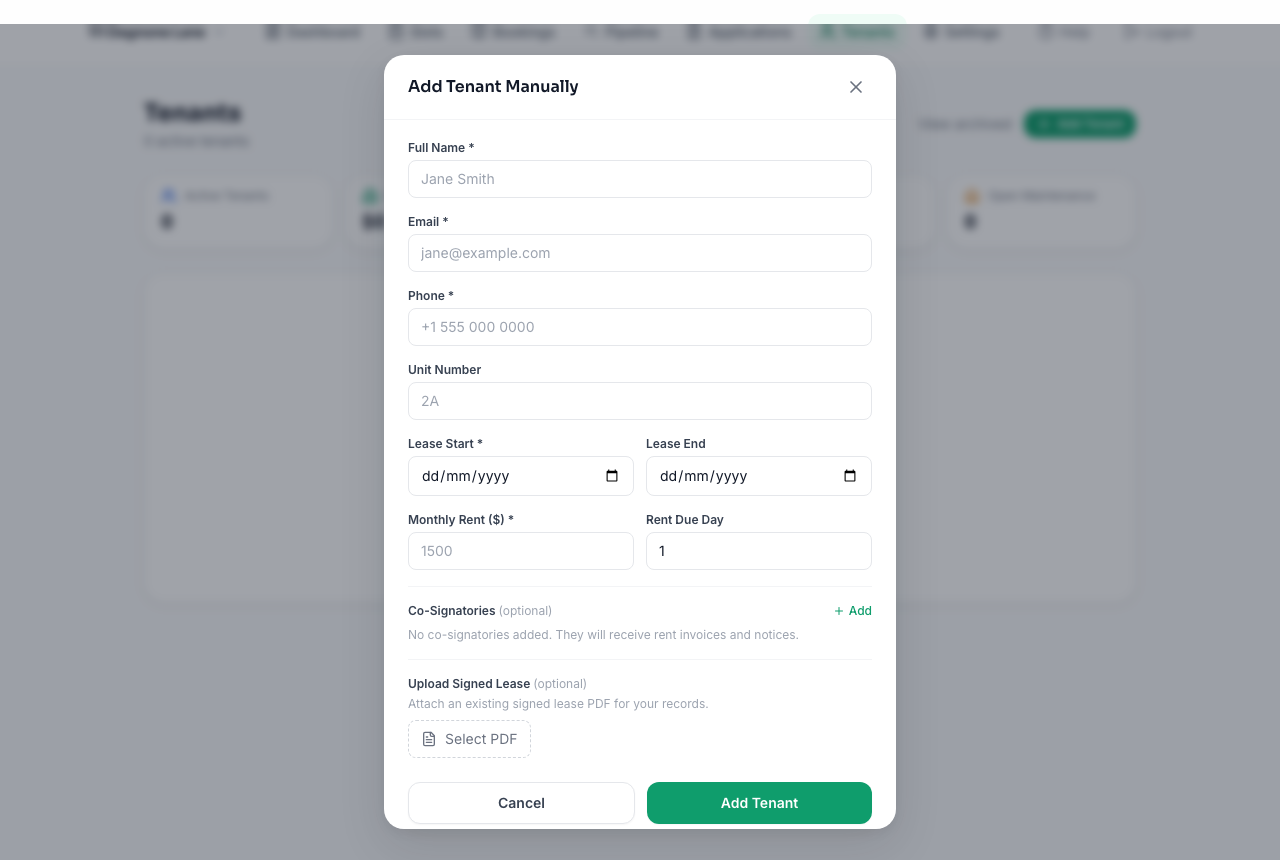
You can also add a tenant manually — handy for existing tenants you're bringing into Rentquill for the first time.
Tenant portal
Every tenant gets a portal link (shown on their tenant detail page) where they can view their lease, see upcoming rent, notify you of a payment, and submit maintenance requests — without needing a full account.
Lease renewals
From a tenant's detail page, send a renewal offer with a new lease term and/or rent amount. The tenant receives an email with a link to review and accept it.
Archiving a tenant
When a tenant moves out, archive them instead of deleting — their full payment and maintenance history is preserved, and you can reactivate them later if needed.