Payments & Billing
How rent invoices, reminders, and late notices work.
Rentquill automates the monthly rent cycle so you're not manually chasing invoices every month.
Rent invoices
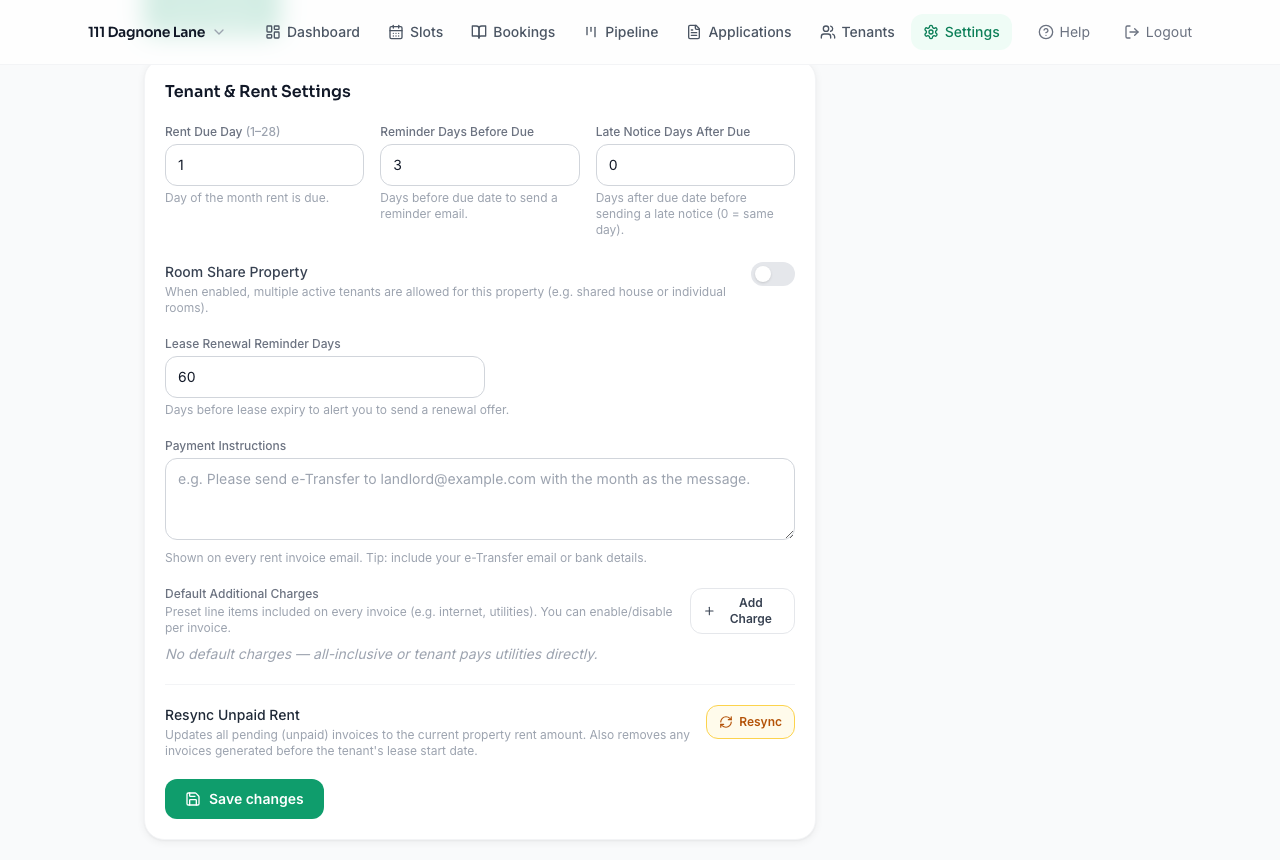
Once a tenant is active, invoices are generated automatically each month based on their rent amount plus any recurring charges you've configured (utilities, parking, storage, etc. — set these under Settings → Tenant Settings).
Shared utilities
If a tenant's utility cost varies every month, mark them as Shared Utilities on their tenant page. Their invoice is held until you enter that month's amount — the system will remind you if it's still missing, and sends the invoice automatically the moment you enter it.
Reminders and late notices
Configure how many days before the due date a reminder goes out, and how many days after it's overdue a late notice is sent — both under Tenant Settings.
Marking a payment received
From a tenant's payment history, mark an invoice as paid (in full or partially) and record the method and reference number. Tenants can also notify you themselves from their portal when they've sent a payment, which you then confirm.
Generating bills manually
Need to backfill or regenerate invoices for a tenant's full lease term? Use Generate All Bills on their tenant detail page.