Help CenterAccount Settings
Account Settings
Your login, notification email, and time zone.
Changing your password
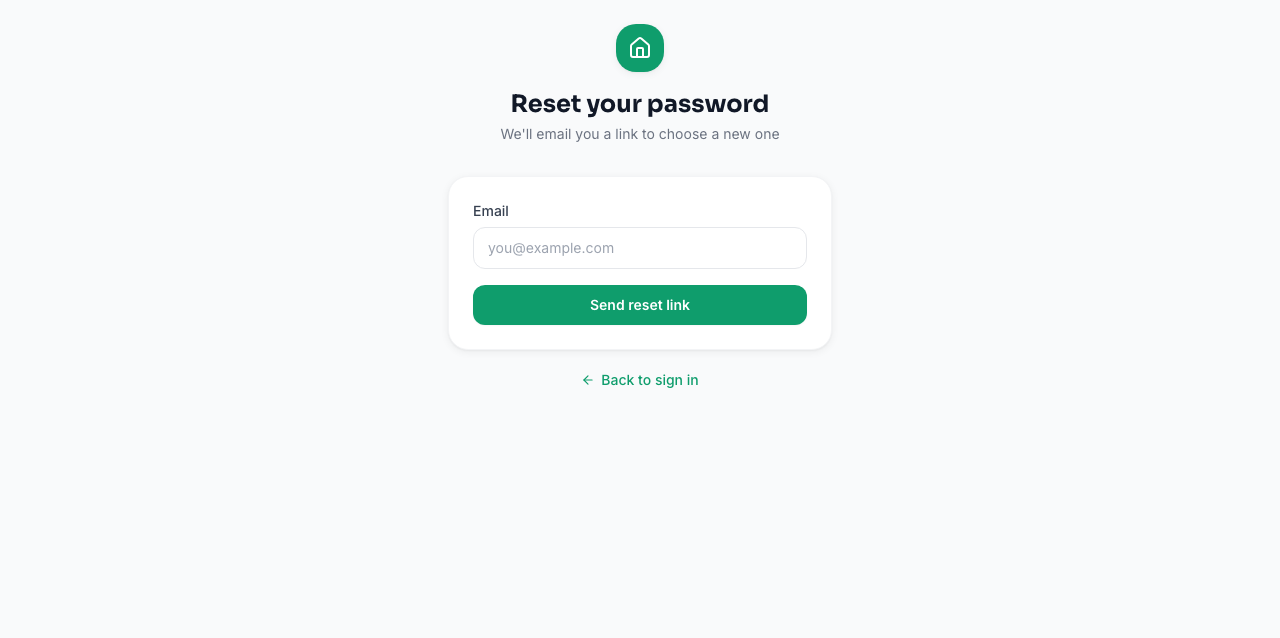
If you're signed in, there's no in-app password-change screen yet — use Forgot password? on the login page to reset it via email.
Notification email
Your admin/notification email (set per property, under Settings) is where booking, application, payment, and maintenance alerts are sent. It defaults to the email you signed up with.
Time zone
Your property's time zone is detected automatically from your browser when you sign up, and controls how dates and due-times are displayed and calculated. You can see it under Settings.
Multiple properties, one login
You don't need a separate account per property. Add as many properties as you manage to a single login and switch between them from the property switcher.